 PeakMind


From words or your photo
A sentence is enough. Or add a photo of yourself, your room or your product, and PeakMind builds the picture around it.

PeakMind brings chat, pictures, videos and a creator studio into one app – plus free photo tools that run right on your phone. Just say what you want; PeakMind works out whether it needs words, a picture or a video.

Ask like you would ask a friend. PeakMind decides for itself whether the best answer is text, a picture or a video – like the chat apps you already know.
“Make it a poster”, “what is this plant?” or “turn this into a video”: one chat, and PeakMind picks the right path by itself.
Answers can carry real tables, checklists you can tick and buttons to choose the next step – drawn by the app, not as plain text.
Send photos and documents together in one message and ask about all of them at once.
Describe it in a sentence or start from your own photo. PeakMind writes the brief like a designer would and keeps your text exactly as you wrote it.

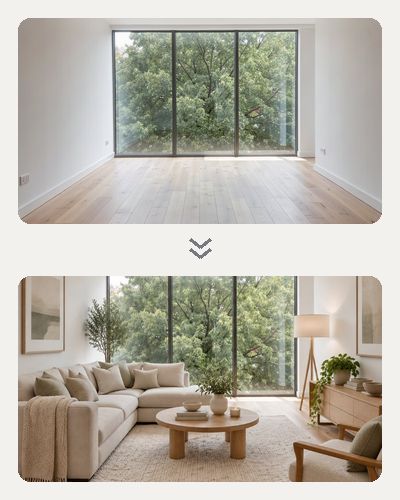



A sentence is enough. Or add a photo of yourself, your room or your product, and PeakMind builds the picture around it.
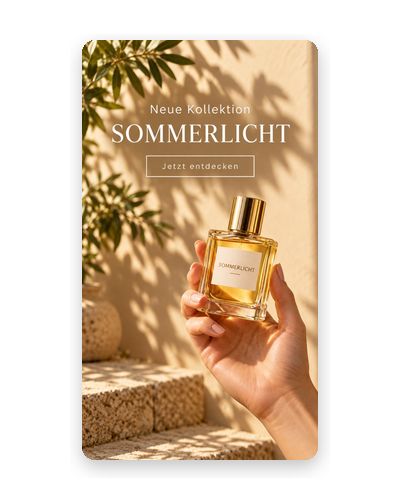
Flyers, posters, invitations and adverts – with your words word for word, a clear layout and room around the edges.
“Make it a story”, “the background in blue”, “a bit warmer”: just say what should change.
Start from a photo or a few words. Before anything moves, PeakMind plans the scene like a director – so the clip stays one calm, continuous shot.
Pick a photo from your gallery or describe the scene. Format and length are one tap.
The AI looks at your photo and writes one continuous shot with a calm action – no cuts, no jumps.
A start frame is built first, then it comes to life – so people and places look like themselves from start to end.
Example clips on this page were made with AI; the people and places in them are invented.
Talking videos, product videos with subtitles, hooks, scripts and post texts – for your brand, made on your phone.
Describe who speaks and write what they say. An AI person says your text – with an AI voice or with your own voice.
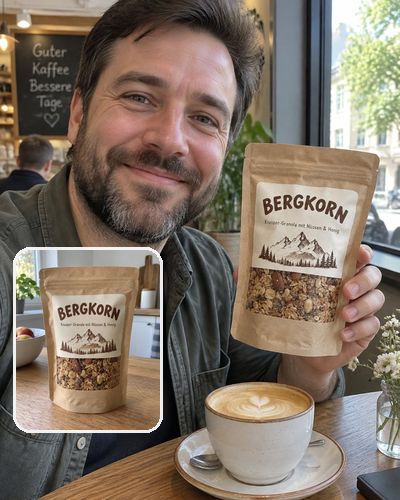
Add one to three photos of your product. An invented presenter of your brand holds it up to the camera and says your line, with subtitles if you like.
Openers that stop the scroll and a short script, in the language you choose.
A caption and hashtags that fit your video, ready to copy.
The Creator and Influencer Studio is for adults. People in these videos are invented by AI and present your brand – never as customers.
These tools run on your phone and cost nothing: the photo stays on your device while you edit.
 Free · on your phone
Trend looks and automatic light in one tap.
Tap what should go – the gap fills itself in.
Cut out the subject and send it as a sticker in WhatsApp or Telegram.
Tap what stays sharp, the background softens.
A small camera move turns a photo into a short clip to share.
A moving photo with your voice message and subtitles.
Practise out loud and see pace, filler words and pauses – with questions from a real job ad.
CV, menu and invoices with a Swiss QR-bill or a GiroCode, as a PDF.
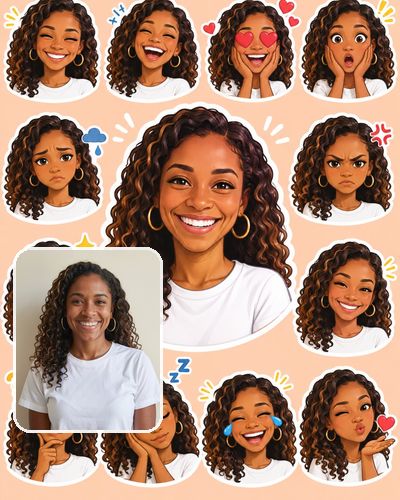
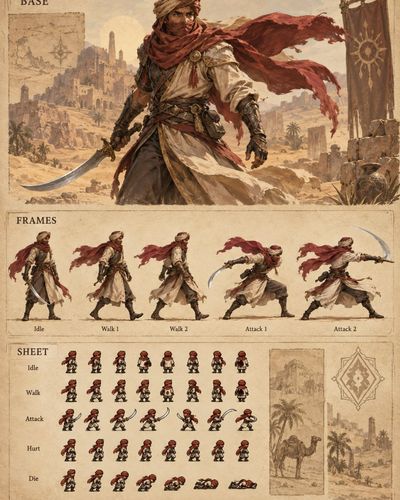
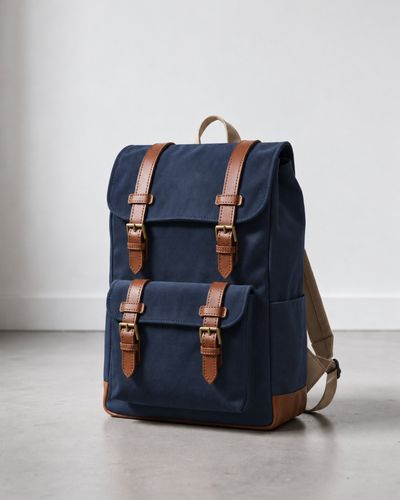
Pick a template, add a photo or a few words, and get the result in one go. A few of them:





PeakMind for iPhone and Android.